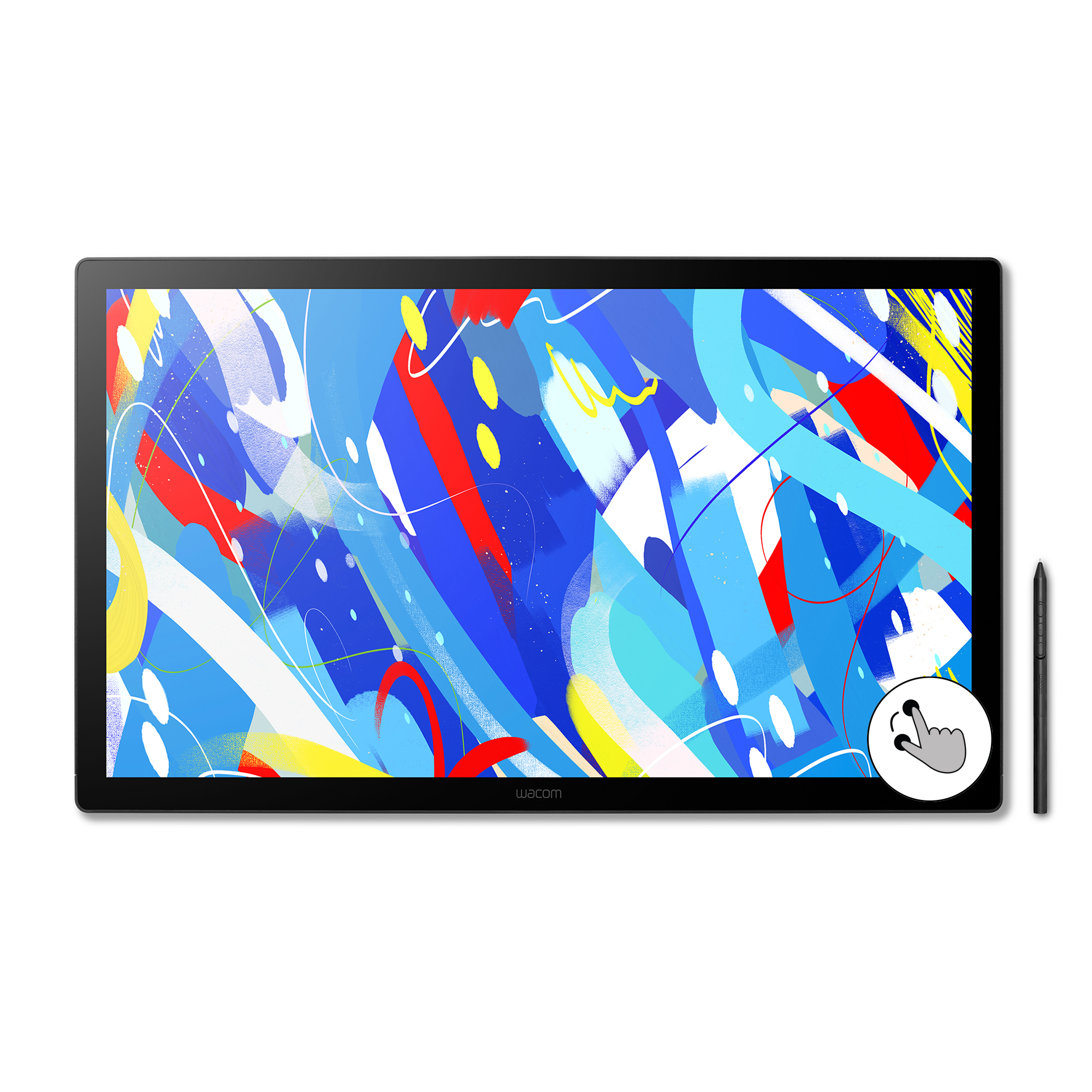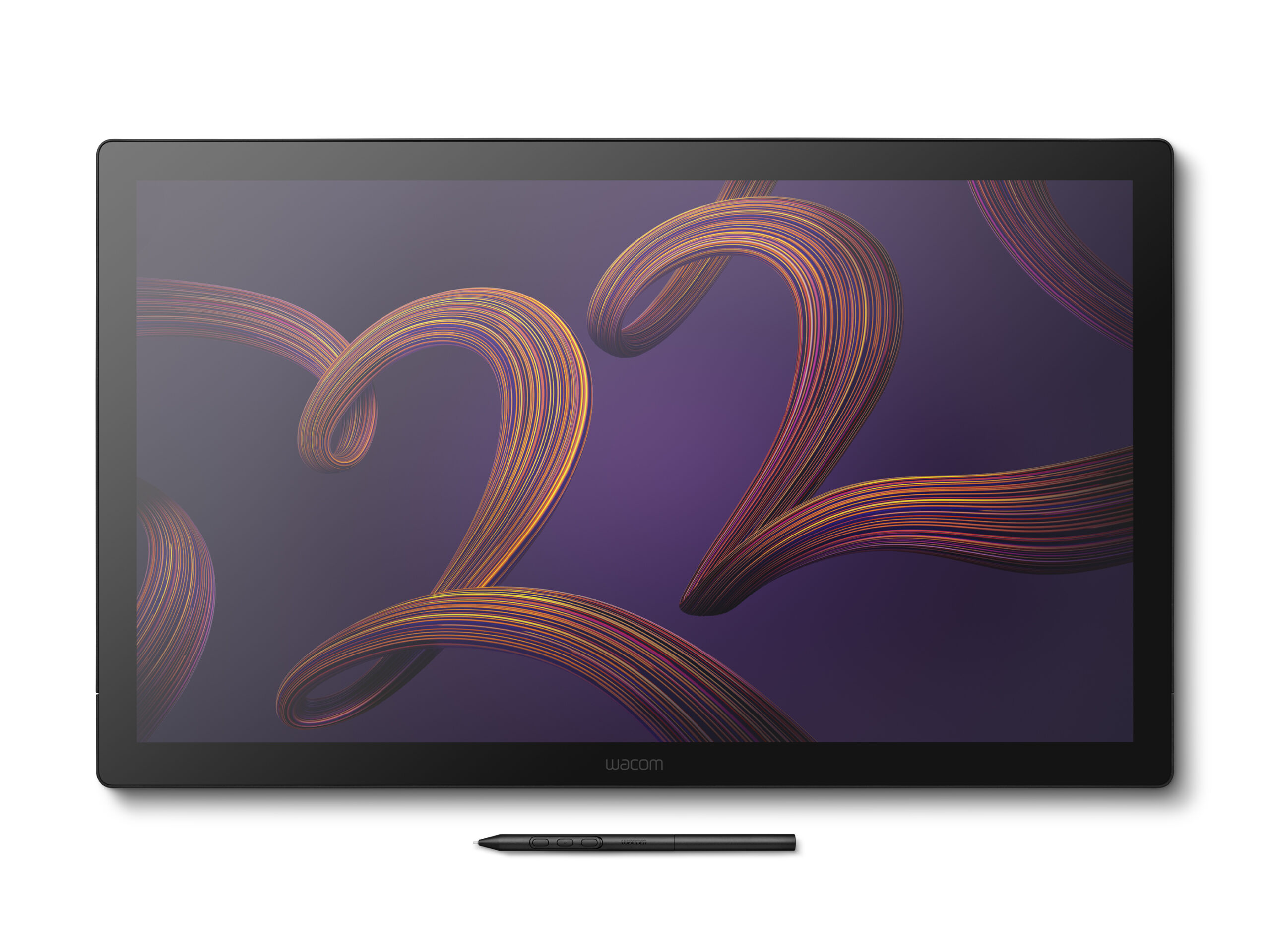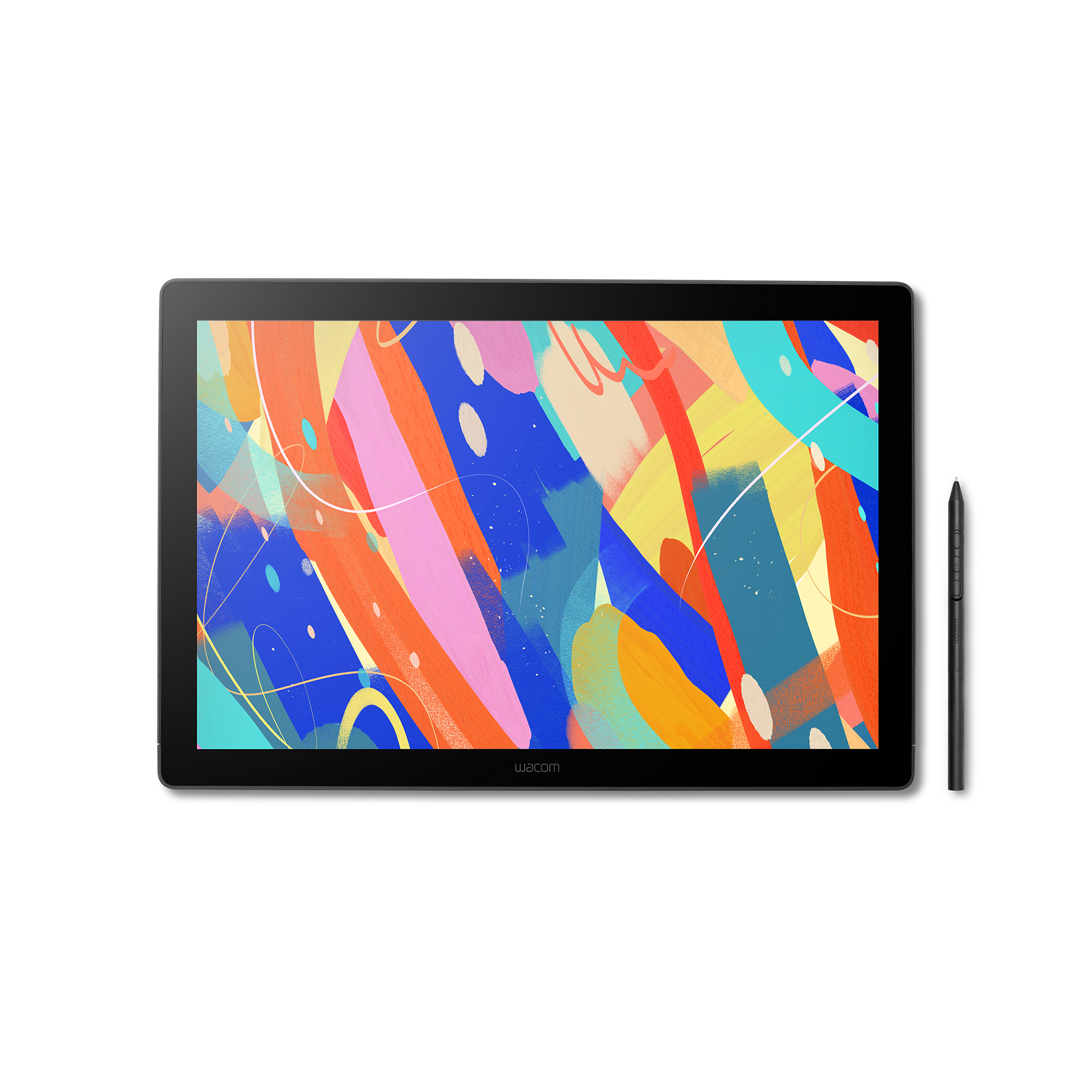
Wacom One 14″ Pen Display
$ 90.67
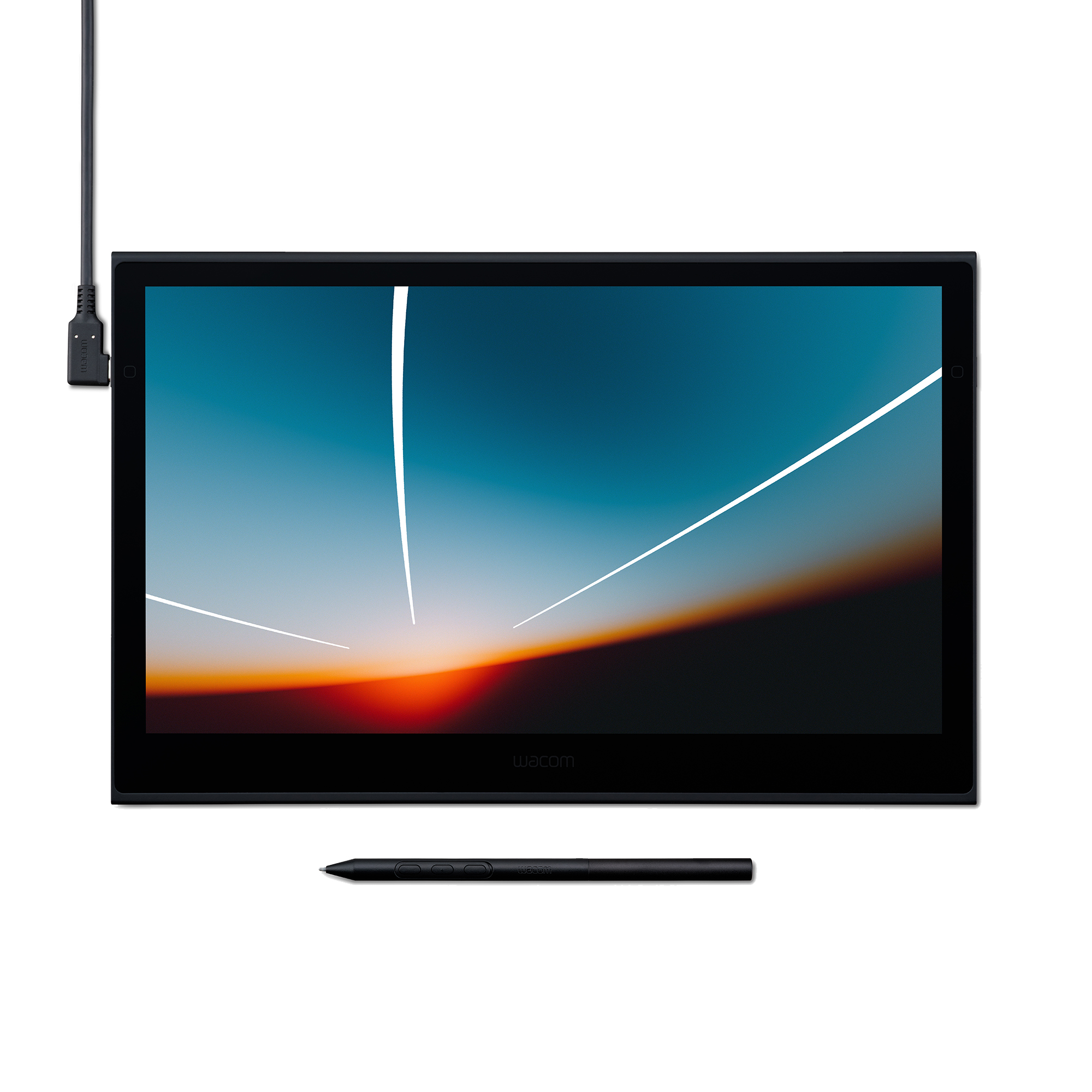
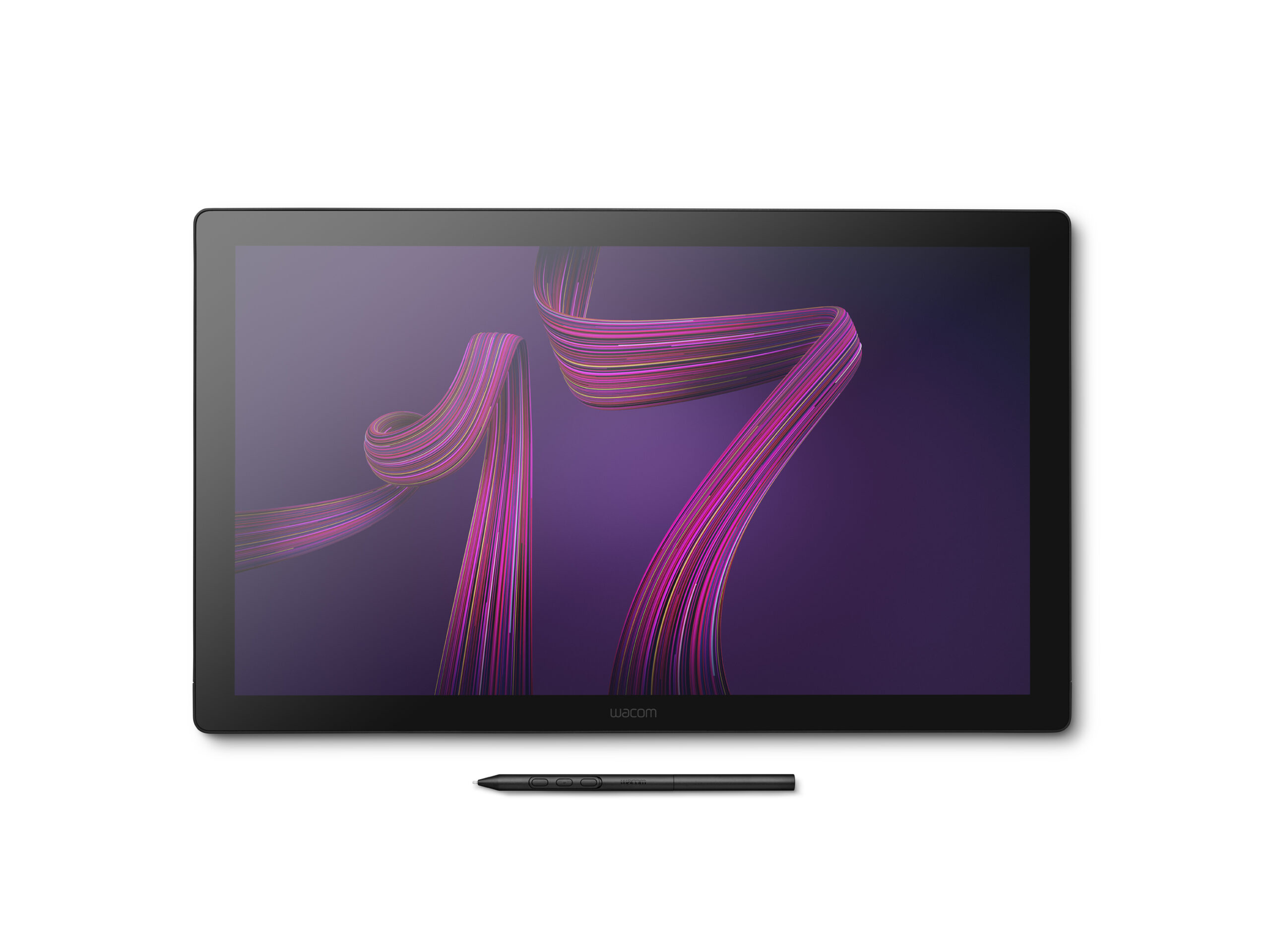
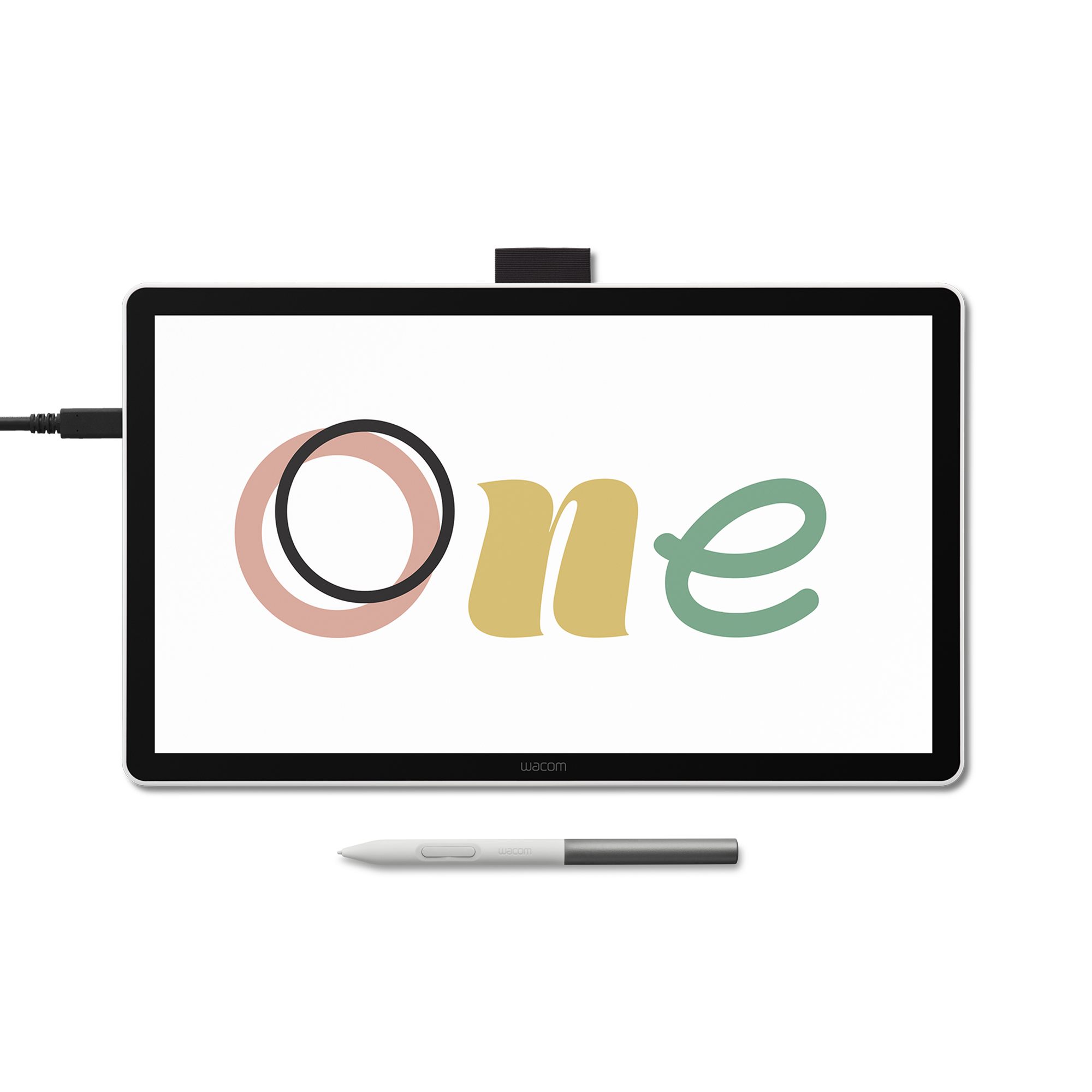
Description Where your creative dreams begin Start your digital adventure with the all-new Wacom One. Ideal for casual artists and visual thinkers, this drawing tablet with screen makes it easy to draw, sketch, edit photos, annotate, and discover your creative passion. Features BIGGER CANVAS, BETTER DETAIL: Redesigned with more drawing area, the laminated 14″ crisp IPS Full HD display offers generous space with 98% sRGB color accuracy and a paper-like texture that won’t glare or smudge – keeping you in your creative zone longer PRECISE, NATURAL FEEL: Draw with the control that made Wacom a favorite; the battery-free pen never needs charging and captures everything from light lines to bold strokes with Wacom’s responsive pressure sensitivity COMPLETE CREATIVE STARTER KIT: Includes trials of Clip Studio Paint Pro, Magma (Blaze plan), Concepts & Foxit software, and Skillshare training courses – your jumpstart to creating beautiful art right away RELIABLE PERFORMANCE: Wacom’s proven reliability works seamlessly with your computer – no driver headaches, mysterious disconnects, or frustrating “why isn’t this working?” moments common with cheaper alternatives COMPATIBILITY: PC (Windows 10 or later), Mac (OS 13 or later) and Chromebook; Easy plug-in via single USB-C: devices requiring HDMI require Wacom Converter, cables and power adapter (sold separately) Single Cable Connectivity Wacom One connects to Windows, Mac, or Chromebook devices with a single USB-C cable that carries power, video, and pen data, keeping your workspace clean.* *To use this setup, your computer must have a USB-C port with Thunderbolt 3 or newer or DisplayPort Alt Mode. If your computer doesn’t have one of these ports, you’ll need to connect separate cables for power, video, and pen data, and then use the Wacom Converter (ACK45219Z) to merge them into a single USB-C connection to the display. To help reduce e-waste, Wacom includes the most commonly supported USB-C cable in the box, so most modern computers can connect right away without the need for extra adapters or cables. The drawing tablet delivers a natural, paper-like drawing experience without the slippery feel that some tablets have. Your digital pen responds to over 4,000 pressure sensitivity levels with precision and accuracy. The Wacom One pen features Wacom’s leading pen technology in an easy-to-use battery-free format. It’s lightweight and comfortable to grip for extended drawing sessions and never needs charging. Whether you’re sketching lightly or applying bold strokes, it delivers consistent, responsive performance What's included Wacom One 14 display Wacom One Pen USB-C to C Cable Quick Start Guide, IPI booklet, Regulation sheet Replacement nibs (x 3) & nib remover Compatible Accessories USB-C to C Cable for Wacom One displays (ACK4490601Z) Wacom Converter (ACK45219Z) Wacom Foldable Stand for Movink (ACK652Z) Wacom One Carry Case (ACK54900Z) Wacom One Standard Pen (CP92303B2Z) Wacom One Pen Standard Nibs 10pc (ACK24911Z) Wacom One Pen Felt Nibs 10pc (ACK24919Z) Wacom One Pen Elastomer Nibs 10pc (ACK24918Z) Technical Specification Display Information Screen size (approx.) 14″ Screen Resolution 1920 x 1080 Color Depth 8bit x RGB (24bits) Screen size 14.0 inch, 35.6 cm Display resolution 1920 x 1080 pixels Technology IPS Glass / surface AG AF Glass Active area (mm) 309 x 174 mm Active area (inch) 12.2 x 6.9 in Aspect ratio 16:9 Supported resolution 640×480 @60Hz 720×480 @60Hz 720×576 @50Hz 800×600 @60Hz 1024×768 @60Hz 1280×720 @50/60Hz 1280×1024 @60Hz 1600×1200 @60Hz 1920×1080 @50/60Hz Pixel pitch 0.1611 (H) x 0.1611 (V) mm Viewing angle 178 deg. (89/89) H/178 deg. (89/89) V (typ) Color depth 8bit x RGB = 24bit Color gamut coverage ratio sRGB 98% (CIE 1931) (typ) Contrast ratio 1000:1 (typ) Brightness 285cd/m2 (typ) Response time (G2G) 16ms (typ) Pen Specification Pen name Wacom One Standard Pen Pen pressure levels 4096 levels Pen type Pressure-sensitive, cordless, battery-free Number of switches 2 side switches Pen tilt supported 60 degrees Pen resolution 2540 lpi Pen technology Electromagnetic resonance technology Reading height 8 mm Maximum report rate 360 report/second Pen dimensions 149.9mm x 9.8mm Pen weight 9.9g Touch Specification Multi-Touch No Connectivity I/O Ports 1 x USB Type-C Output video connector n/a Output video signal n/a Dimension And Weight Product dimensions (L x W x H) (mm) 336 x 201 x 10 mm Product dimensions (L x W x H) (inch) 13.2 x 7.9 x 0.4 in Product weight (kg) 0.75kg Product weight (lbs) 1.65lbs System Requirements System requirements Windows 10 and later macOS 13 and later The latest version of ChromeOS Hardware requirements USB-C port with DisplayPort™ Alt Mode*, internet access to download driver. To achieve the maximum resolution and refresh rate on Wacom One 14, the host PC ports need to support 1920 x 1080@60Hz. *Thunderbolt 3 or later is also supported. What Is Included Product Wacom One 14 body Documents QSG IPI Warranty Card QR cord Card “ Power n/a Others Replacement nib (POM) x 3pcs Nib removal tool x 1pc Logistical Information Product Box Dimensions (In.) 14.4 x 9.1 x 2.2 in Product Box Dimensions (mm) 365 x 230 x 55 mm Product Box Gross Weight (lbs) 2.87 lb Product Box Gross Weight (kg) 1.30 kg Product Box Net Weight (lbs) 1.76 lb Product Box Net Weight (kg) 0.8 kg
Related products
-
- -25%
Wacom One 14″ Pen Display
- $ 90.67